-
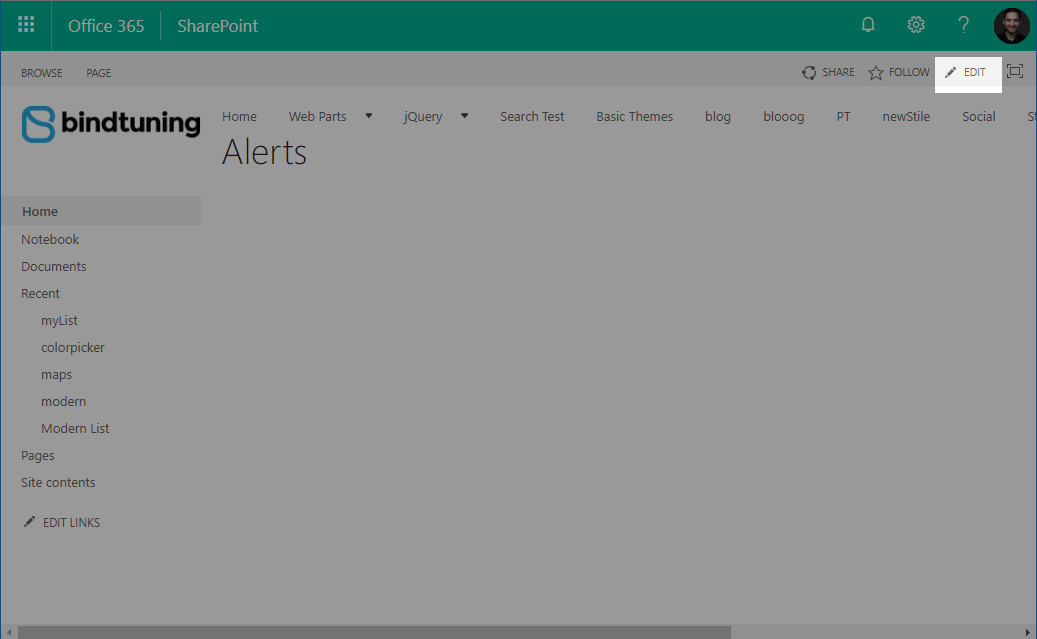
Open the page where you want to add the web part and click on the Edit button;
-
After the refresh, select the Insert Tab on the Ribbon and then click on Web Part;

-
On the categories list, select BindTuning Add-in and then click BindTuning Alerts;

-
With the web part selected, click Add;
-
Click the Save button before continuing.
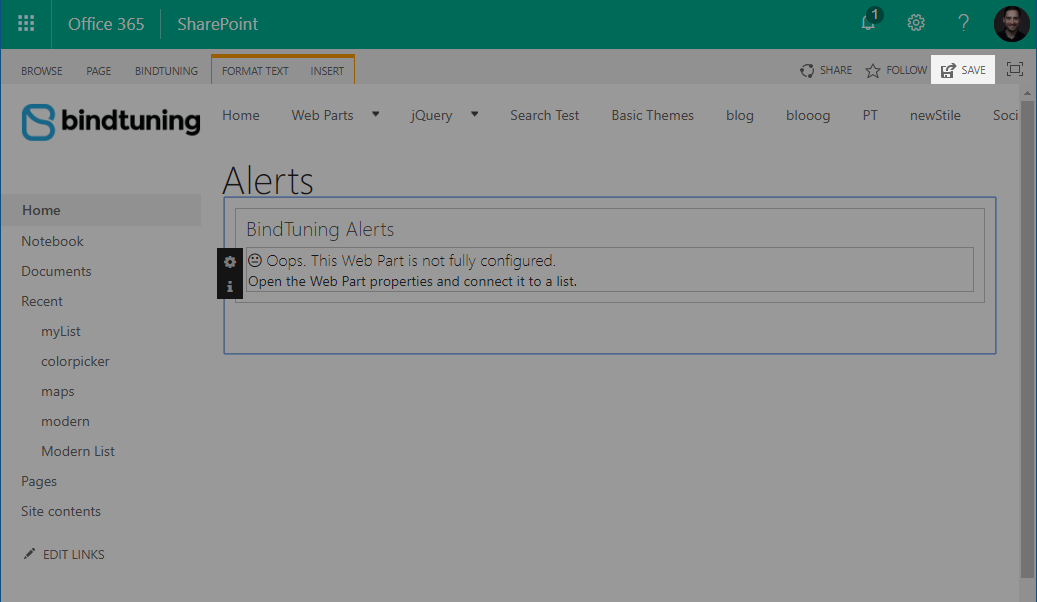
By saving the page, you safeguard your progress and make sure it won't be lost to closing or reloading the page accidentaly.