-
Open the page where you want to add the web part and click on the Edit button;

-
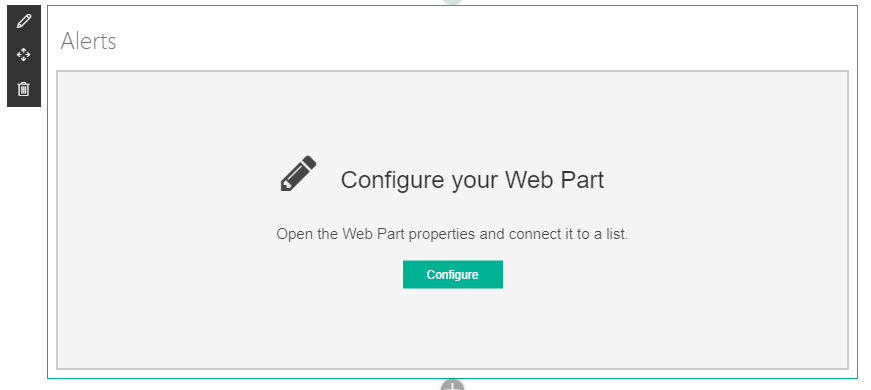
Mouse hover the web part and click on the pencil (✏️) icon that will appear or click on Configure;
-
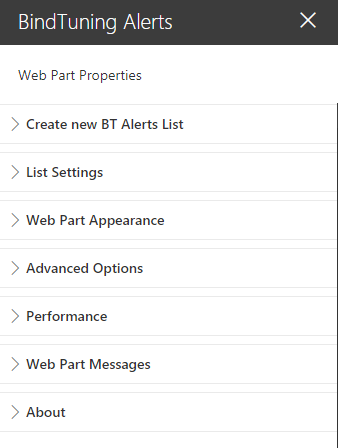
Configure the web part according to the settings described in the Web Part Properties Section;
-
The properties are saved automatically, so when you're done, simply save or publish the page and the content will be saved.